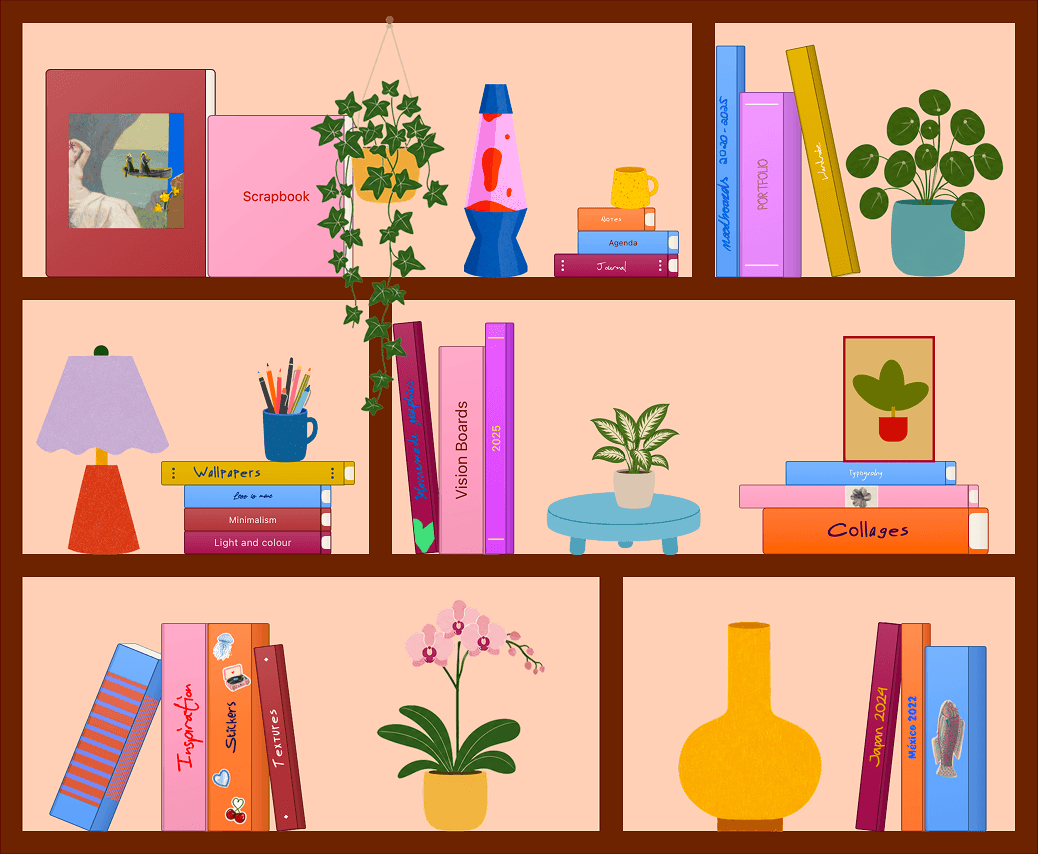
Bloom
Warm shelves for scrapbooks, notes, and playful collections.
 Nooka
NookaBuild custom bookshelves, fill them with scrapbooks, and decorate them with plants, lamps, cutouts, notes, and anything you collect.
Bookshelves
Warm shelves for scrapbooks, notes, and playful collections.
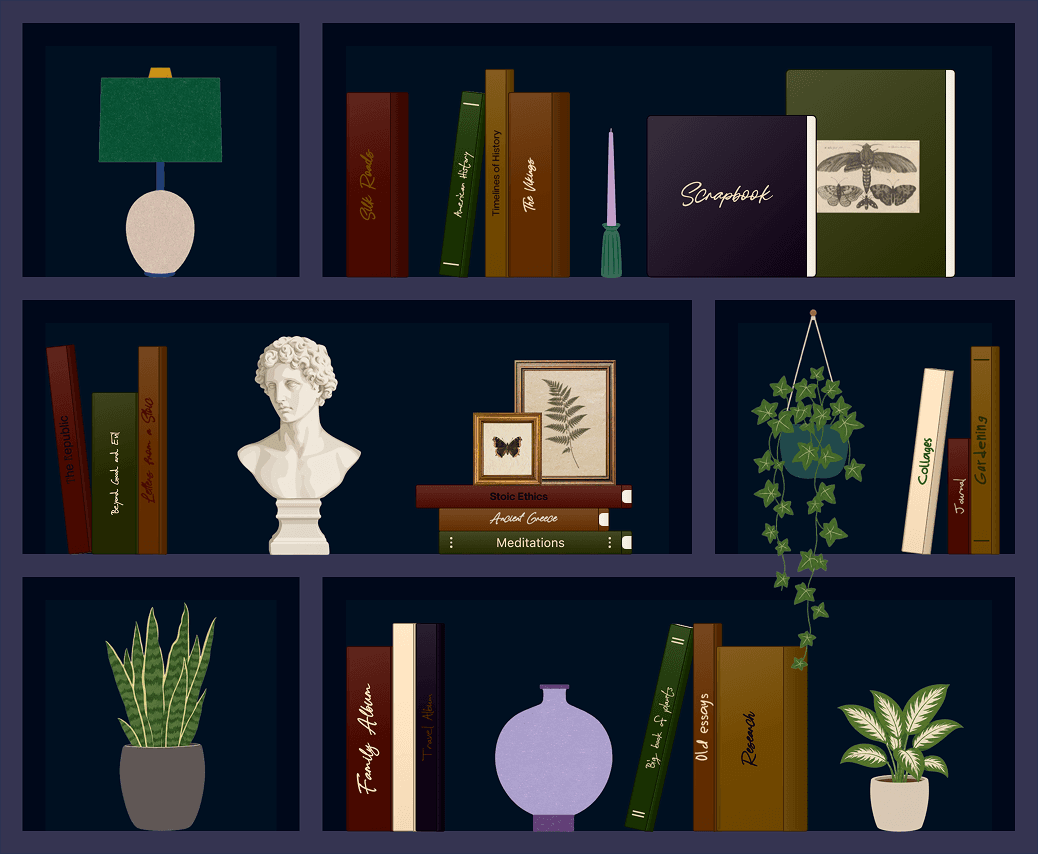
A darker shelf for archives, reading lists, and quiet projects.
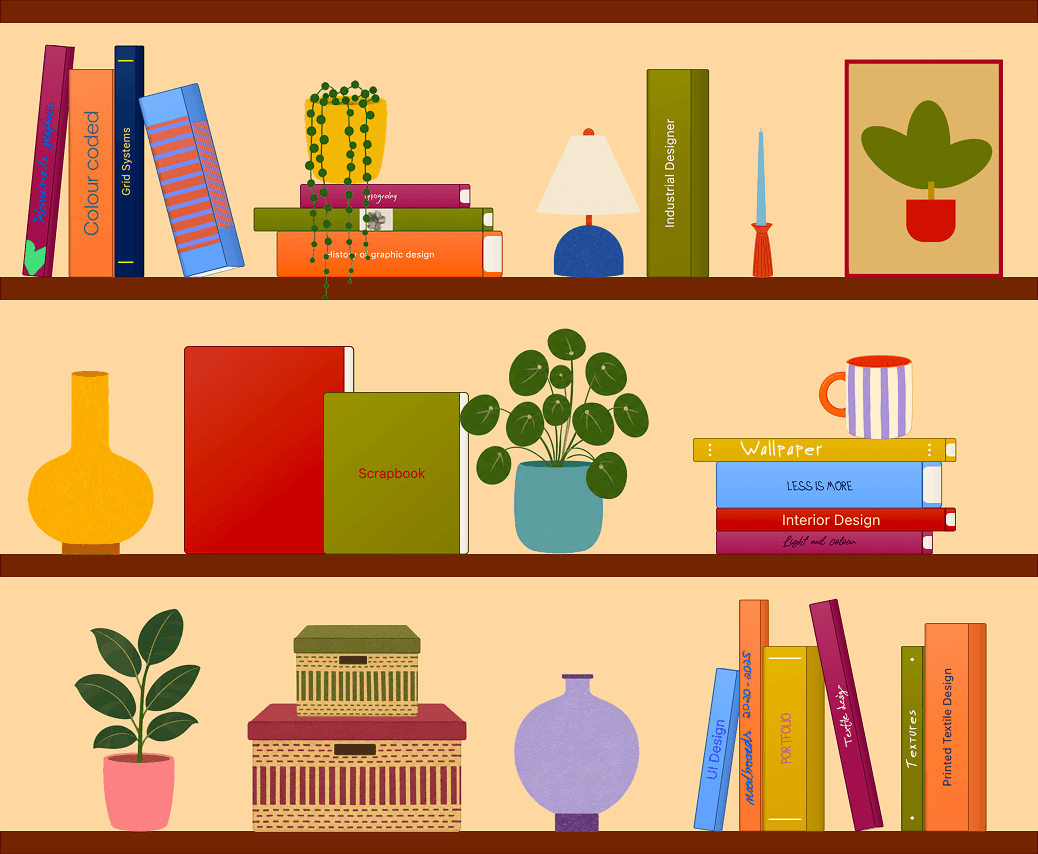
Open shelves for portfolios, moodboards, and studio references.
FAQ
You can create bookshelves, books, scrapbook pages, collages, and reusable cutouts.
Yes. Start from a preset, then change books, layouts, colours, covers, and decorations.
Nooka is local-first. Your shelves, books, pages, drawings, and cutouts stay on your device.
Yes. You can export finished canvases as images and keep bookshelf templates for backup or reuse.
Nooka